Documentation for Researchers
This part of the documentation is directed at researchers who want to use DDM to set up a data donation collection. It describes DDM's functionality in detail and demonstrates how to configure a data donation project.
Overview
DDM consists of a Researcher Interface and a Participation Interface.
Researcher Interface
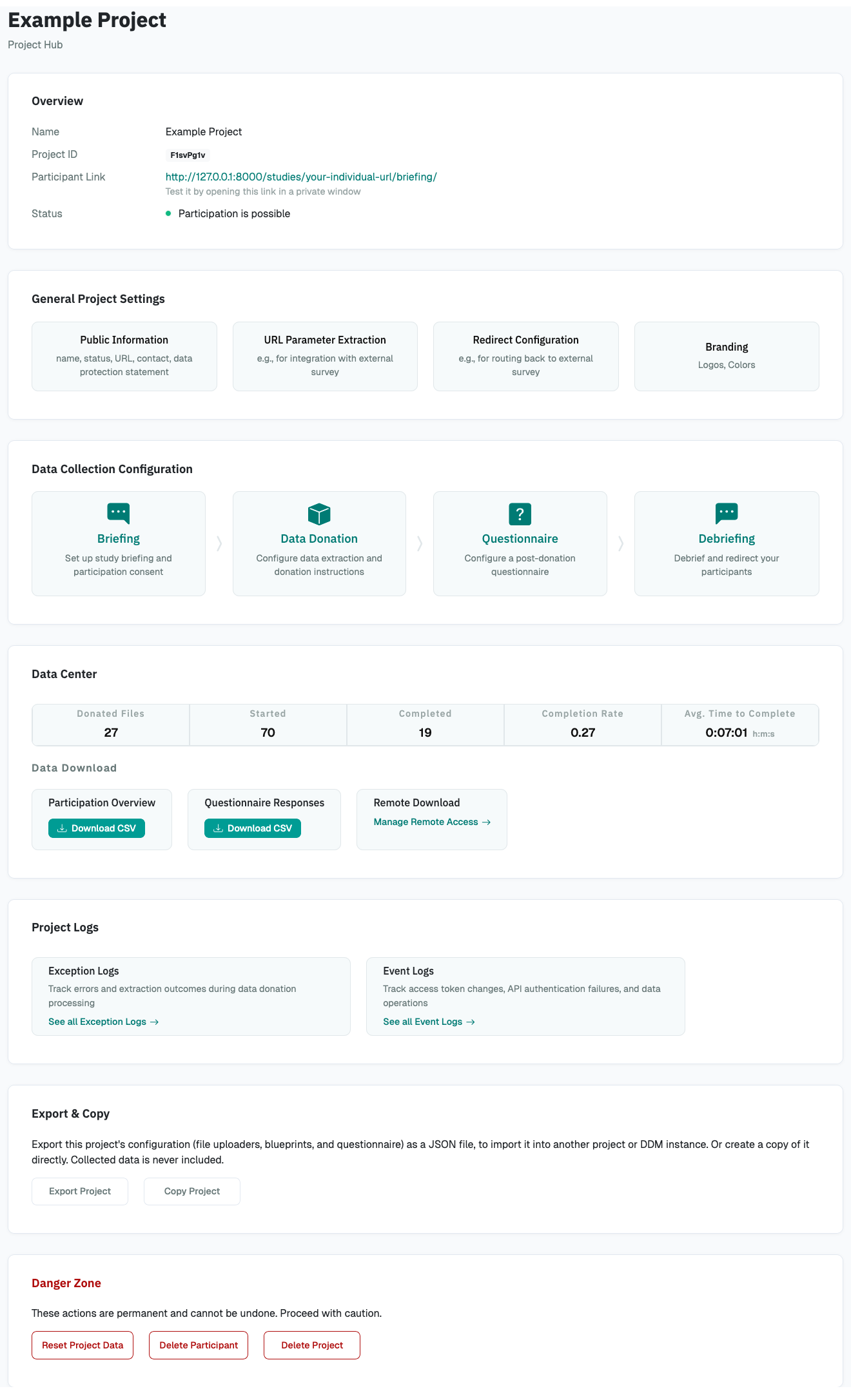
Through the Researcher Interface, researchers can create and manage data donation projects. It essentially provides a website to adjust the settings of the project in general as well as the settings affecting the Participation Interface. To give a first impression of how the Researcher Interface looks, you see below a screenshot of the Project Hub, the main page through which you can configure a project:
Participation Interface
Your participants will take part in your data donation collection through the Participation Interface. The Participation Interface usually consists of the following steps:
-
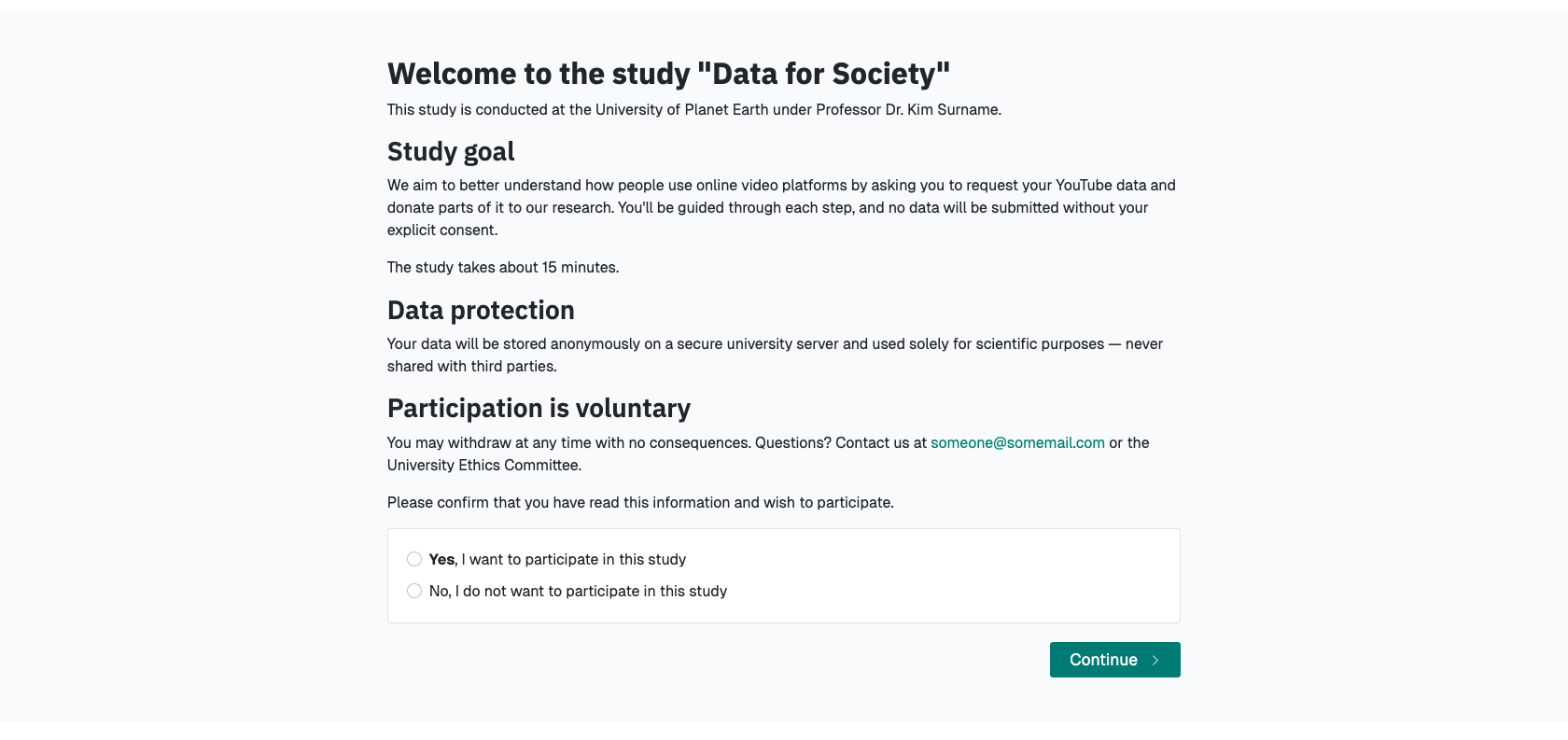
A briefing page
-
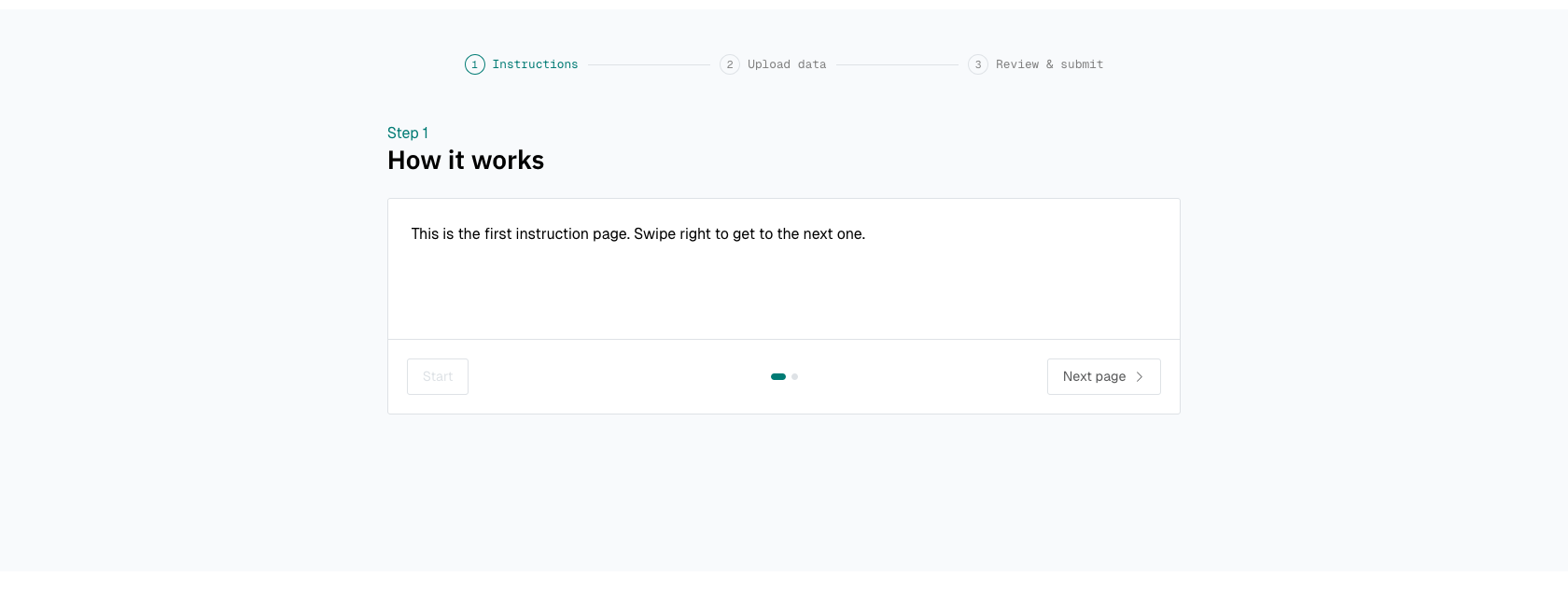
the data donation page (instructions > file upload > review and consent)
-
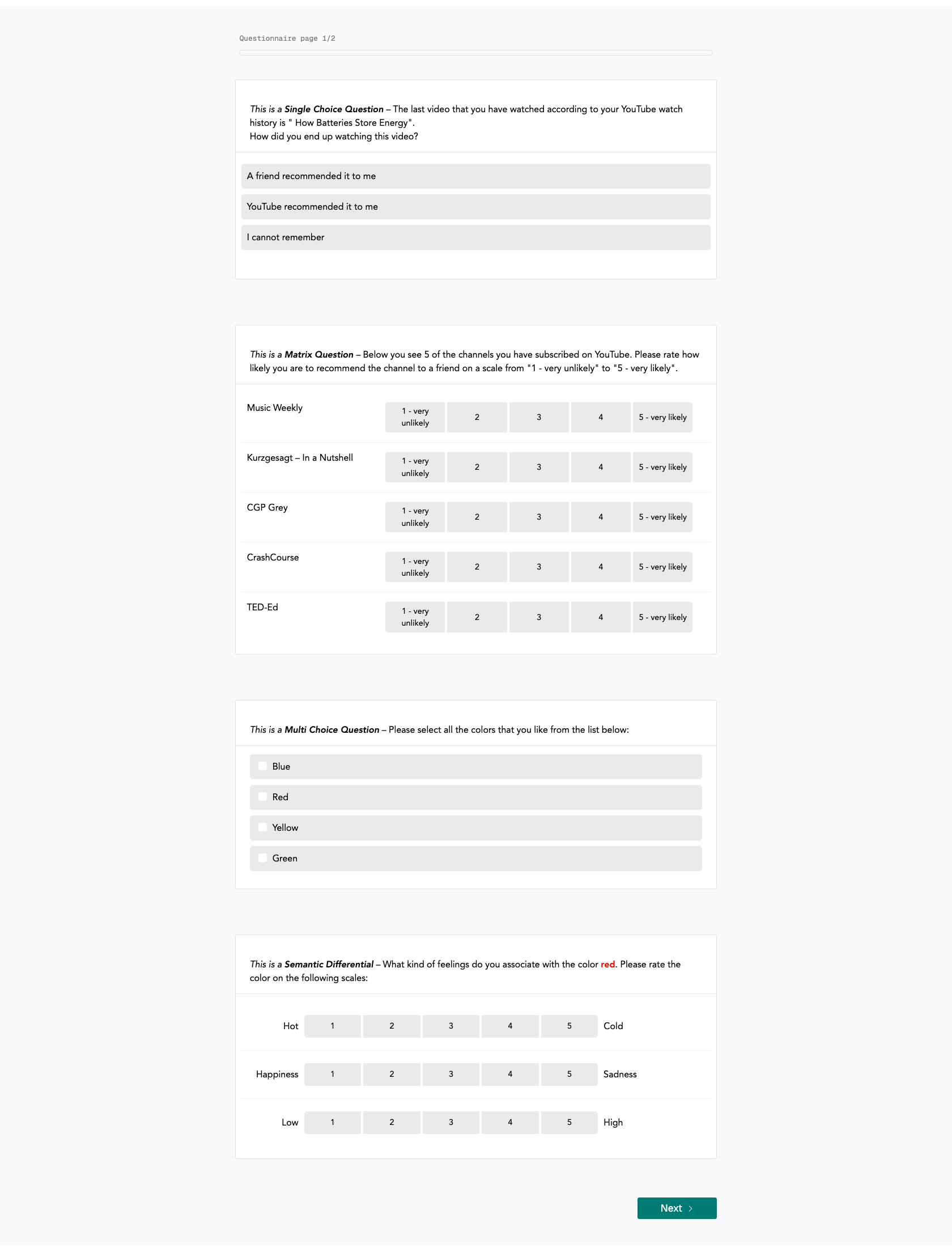
a questionnaire (optional)
-
a debriefing page.

The following section will take you through creating and monitoring a data donation project as well as accessing the collected data.